What to Do If You Cannot Download Your Government Exam Admit Card
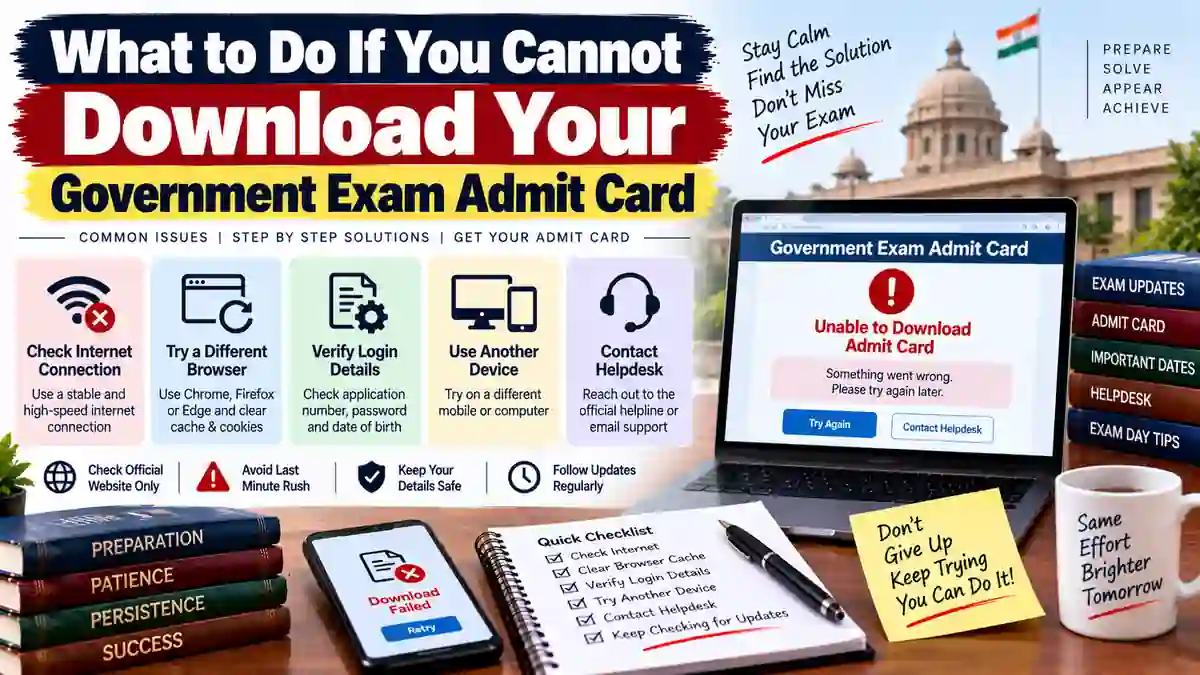
If your government exam admit card is not downloading, do not immediately assume that your application has been rejected. Download problems can happen because of incorrect login details, website traffic, technical issues, an incomplete application, or because the admit card has not yet been released for your examination or region.
First Check Whether the Admit Card Has Been Released
Before troubleshooting the download, confirm that the recruiting organisation has actually released the admit card for your examination.
Many government recruitment processes release admit cards in stages. Different exam stages, shifts, regions, or examination centres may have separate release schedules. Check the latest notice on the official recruitment website rather than relying only on messages shared on social media or WhatsApp.
Common Reasons You Cannot Download the Admit Card
| Problem | Possible Reason |
|---|---|
| Login not working | Incorrect registration number, roll number, password, date of birth or other login information |
| Page not opening | Heavy website traffic or temporary technical problems |
| No admit card displayed | Admit card may not have been released for your examination, region or shift |
| Invalid credentials message | Details entered may not match the information used during registration |
| PDF does not open | Browser, PDF viewer, download or internet-related issue |
| Application details unavailable | Application may have an issue or the recruitment authority may not have made the information available yet |
1. Use the Official Website
Always start with the official website of the recruiting organisation. Avoid downloading an admit card from an unknown website or an unofficial link shared through social media.
Check the Admit Card, Hall Ticket, Call Letter, Candidate Login, or Examination section of the official website.
2. Check Your Login Details
Enter your registration number, roll number, date of birth, password or other credentials exactly as required.
Pay attention to:
- Registration number and roll number
- Date of birth format
- Password or login PIN
- Capital and small letters where applicable
- Spaces accidentally entered before or after the details
If you have forgotten your login information, use the official Forgot Password or Forgot Registration Number option if one is available.
3. Try Again Later if the Website Is Busy
Admit cards often receive a large number of downloads shortly after release. This can make the website slow or temporarily unavailable.
If the page is loading slowly, showing a server error, or repeatedly timing out, wait for some time and try again. You can also try accessing the website during a less busy period.
4. Try a Different Browser or Device
A browser-related problem can sometimes prevent the admit card from opening or downloading.
- Try another browser.
- Use a computer instead of a mobile phone if the website works better on desktop.
- Clear the browser cache if the page is behaving incorrectly.
- Disable unnecessary browser extensions temporarily.
- Check that your internet connection is stable.
5. Check Your Application Status
If the admit card is unavailable, check your application status on the official recruitment portal where possible.
The application status can help you determine whether your application was submitted successfully, accepted for the relevant stage, or affected by another issue. The exact status messages vary between recruitment authorities.
6. Check Whether You Are Looking at the Correct Exam Stage
Government recruitments can have multiple stages such as preliminary examinations, main examinations, skill tests, physical tests, document verification or interviews.
Make sure you are trying to download the admit card for the correct stage of the recruitment. An admit card for one stage does not necessarily cover another stage.
7. Check Region or State-Wise Websites
Some recruitment organisations operate through regional or state-wise websites. In such cases, the admit card may be available through the relevant regional portal rather than a general recruitment page.
Use the official recruitment notification to identify the correct website or regional portal applicable to you.
What If Your Admit Card Shows “Not Available”?
If the portal says that your admit card is not available, first check the official examination schedule and release notice.
Possible reasons include:
- The admit card has not yet been released.
- Admit cards are being released in phases.
- Your examination date or shift has not yet been assigned.
- You are using the wrong regional portal.
- The recruitment authority has issued a separate notice regarding admit cards.
Do not assume that your application has been rejected solely because the admit card is not visible.
What If Your Application Was Rejected?
If the official application status specifically shows that your application has been rejected or your candidature is not eligible for the examination, check the reason provided by the recruiting organisation.
Whether an objection, correction, representation or other remedy is available depends entirely on the recruitment rules and the notices issued for that particular examination.
What to Do If the Admit Card Still Does Not Download
- Check the official recruitment website again.
- Read the latest admit-card or examination notice.
- Confirm your application status.
- Verify your registration or login details.
- Try another browser or device.
- Check whether a regional website is applicable.
- Take a screenshot of any error message if the problem continues.
- Contact the official helpdesk or examination authority if the issue remains unresolved.
Keep Proof of the Technical Problem
If you are unable to download the admit card close to the examination date, keep evidence of the problem. Save screenshots showing the error message, date and time where possible.
Also keep your application number, registration details and relevant recruitment notice available. This information can be useful when contacting the official helpdesk.
Do Not Wait Until Exam Day
If the admit card has been released and you are still unable to access it, do not leave the problem until the last few hours before the examination. Technical problems, forgotten credentials and website traffic can take time to resolve.
Check the official portal early, verify your application status and contact the recruiting organisation through its published support channels if necessary.
Important Points to Remember
- An admit card may not be released immediately after the recruitment application process.
- Different examination stages can have separate admit cards.
- Some recruitments use regional or state-wise portals.
- Website errors do not automatically mean that your application has been rejected.
- Use only official recruitment websites for downloading your admit card.
- Follow the latest official notice if there is a change in the examination or admit-card process.
If the official portal continues to show a problem, the recruiting authority is the best source for determining whether the issue is technical, related to your application, or simply due to the admit card not yet being released.